
🚀 The New Penterep Version Is Here. Bigger, Faster, More Professional.
We have released one of the most significant Penterep updates in recent months. This new version delivers major improvements across the user interface, automation, reporting, and permission management.
Our goal was clear:
➡ fewer clicks
➡ better visibility
➡ higher efficiency
➡ enterprise readiness
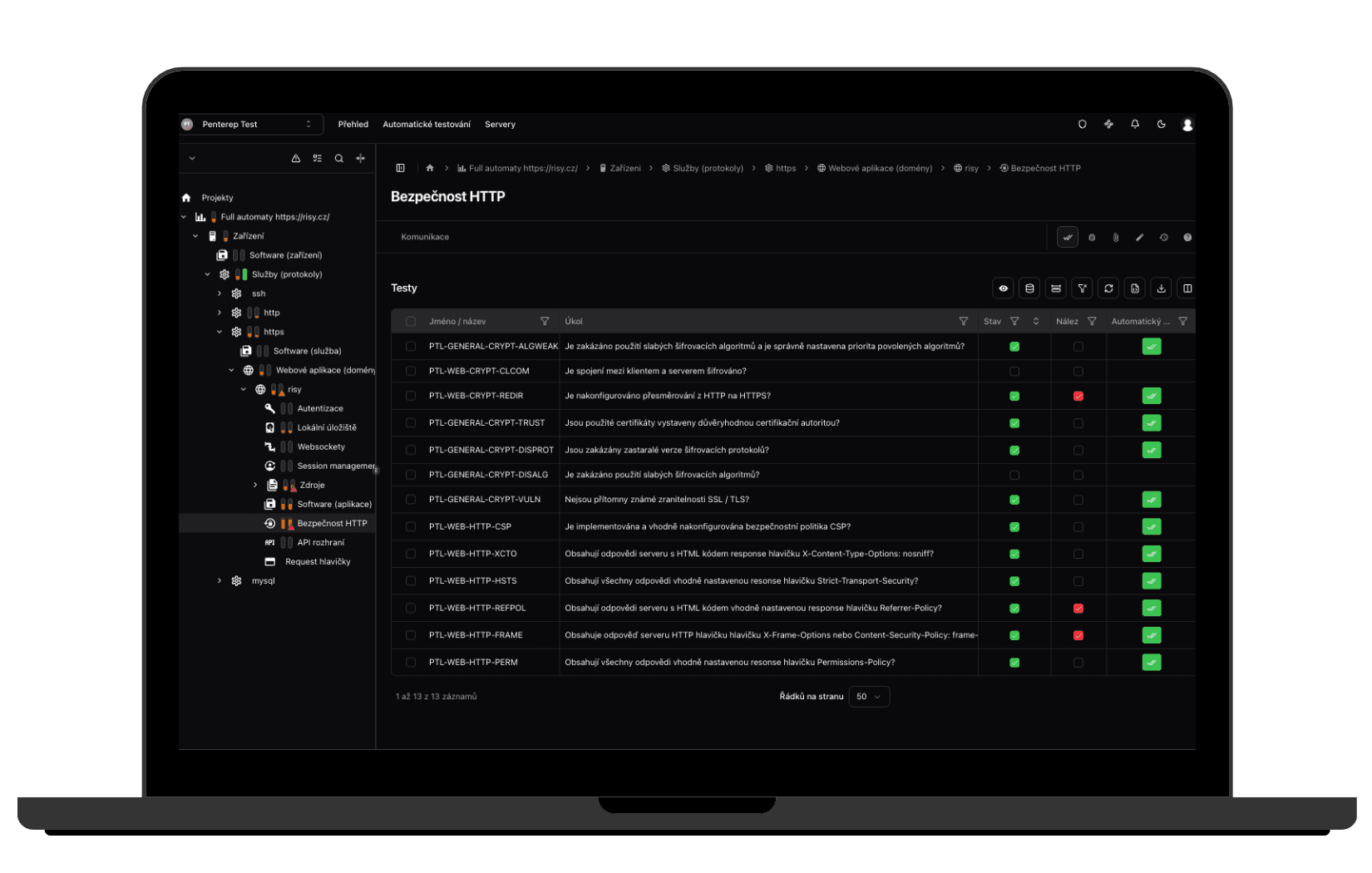
🎨 Completely Redesigned UI
We’ve prepared a dedicated article about the redesign:
👉 https://www.penterep.com/cs/blog/novinky/ui2026/
The new UI delivers a cleaner, more modern experience, improved navigation across projects, clearer vulnerability management, and a scalable foundation for future platform expansion.
This is not just a visual refresh — it is a structural rebuild of the application.
🧠 Mindmap for OSINT and Complex Projects
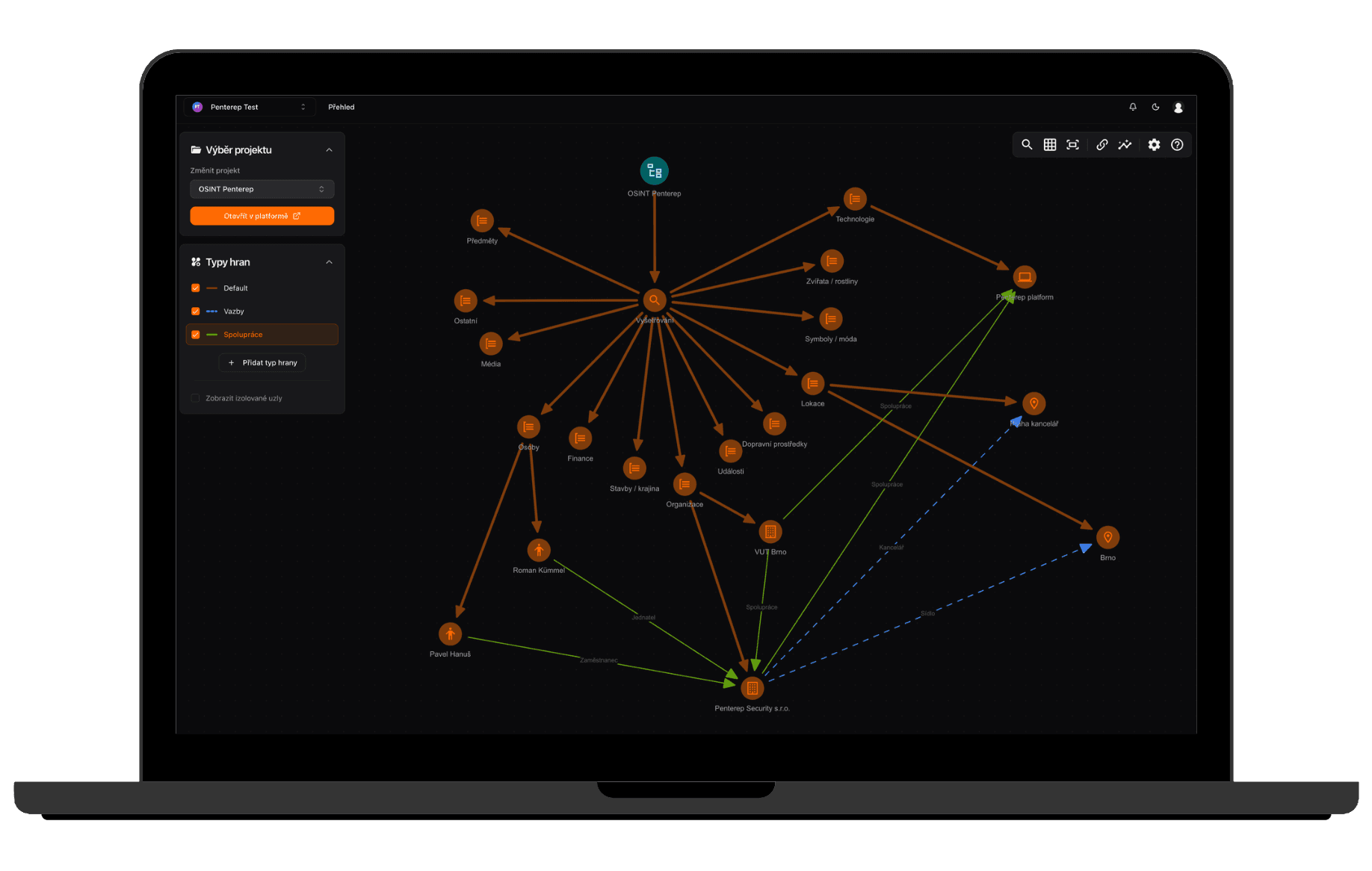
We are introducing an interactive mindmap that enables visualization of relationships between entities, better structuring of OSINT findings, and more efficient handling of large-scale assessments.
For teams working with extensive datasets, this represents a significant productivity boost.
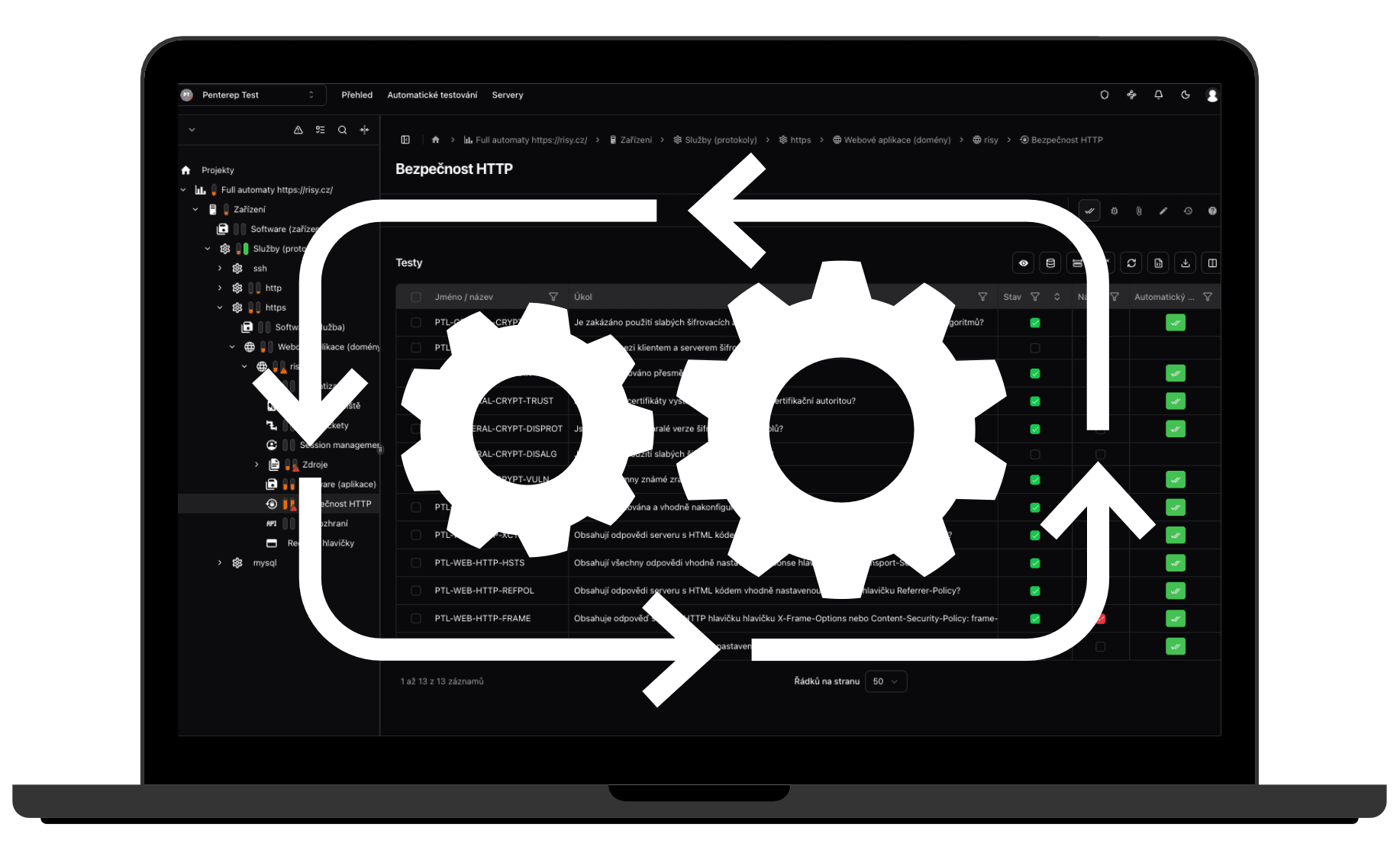
⚡ Simplified Automation Execution
Automation is now clearer, faster, and provides more transparent statuses. We simplified execution logic and improved synchronization of results within projects.
The goal is simple: automation should save senior testers time, not create additional administrative work.
🔄 JSON Imports & Project Migration
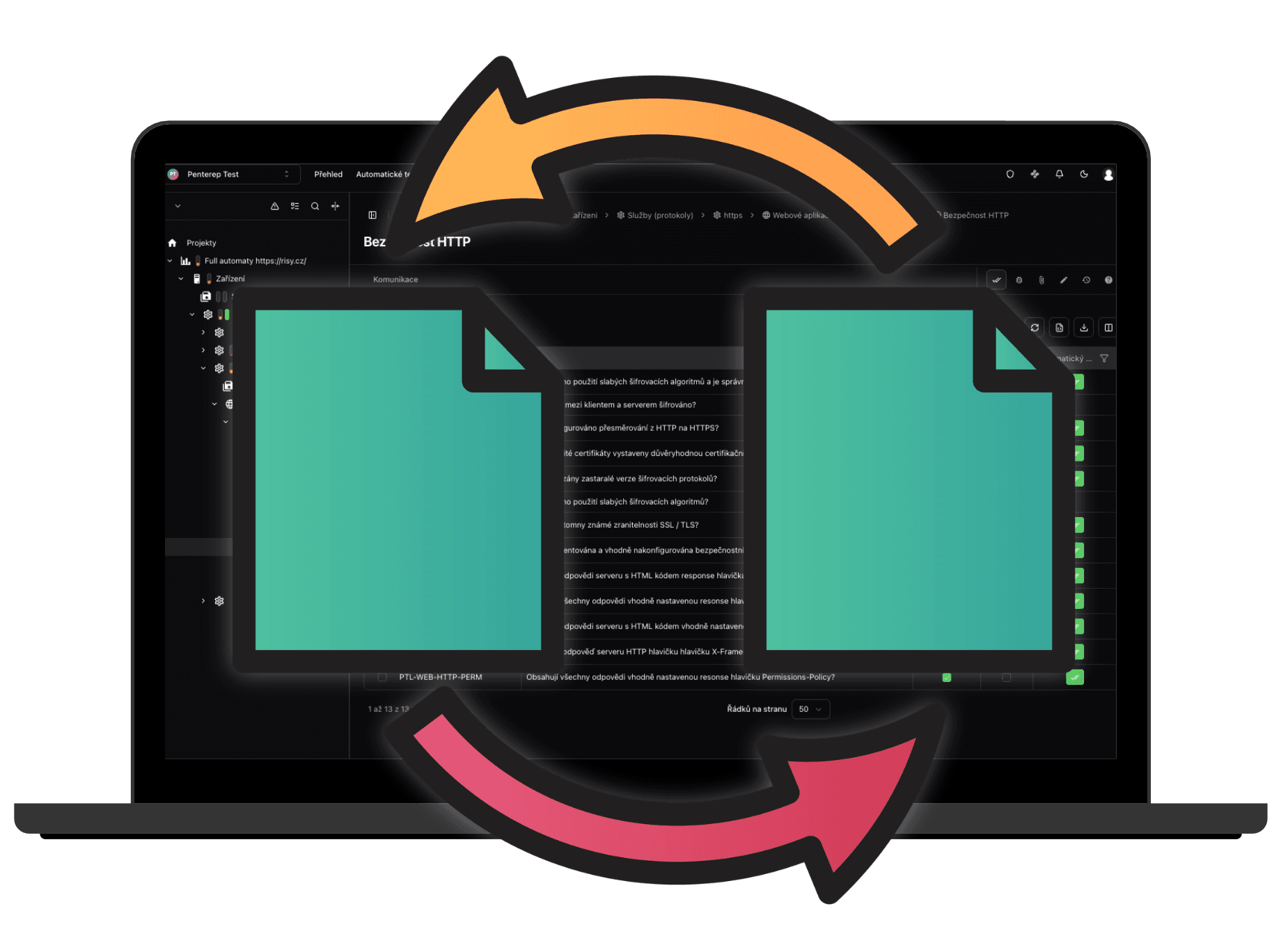
We now support JSON import of automated tool results and full project transfer between instances.
This significantly improves collaboration between teams, hybrid deployments, and MSP scenarios.
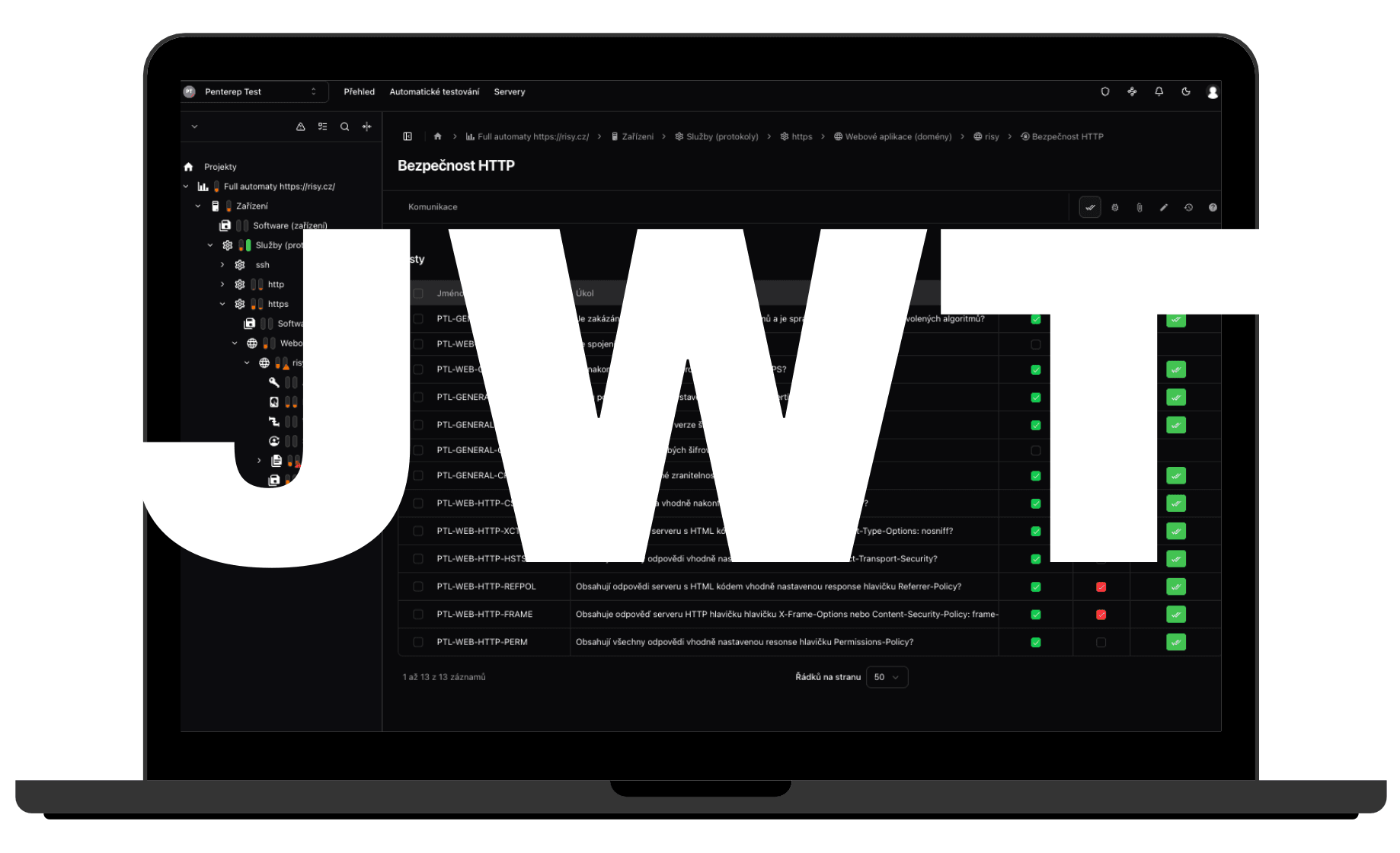
🔐 JWT Authentication
We extended authentication capabilities with JWT support for enterprise integrations, secure external system connections, and flexible deployment scenarios.
📑 Faster Reporting
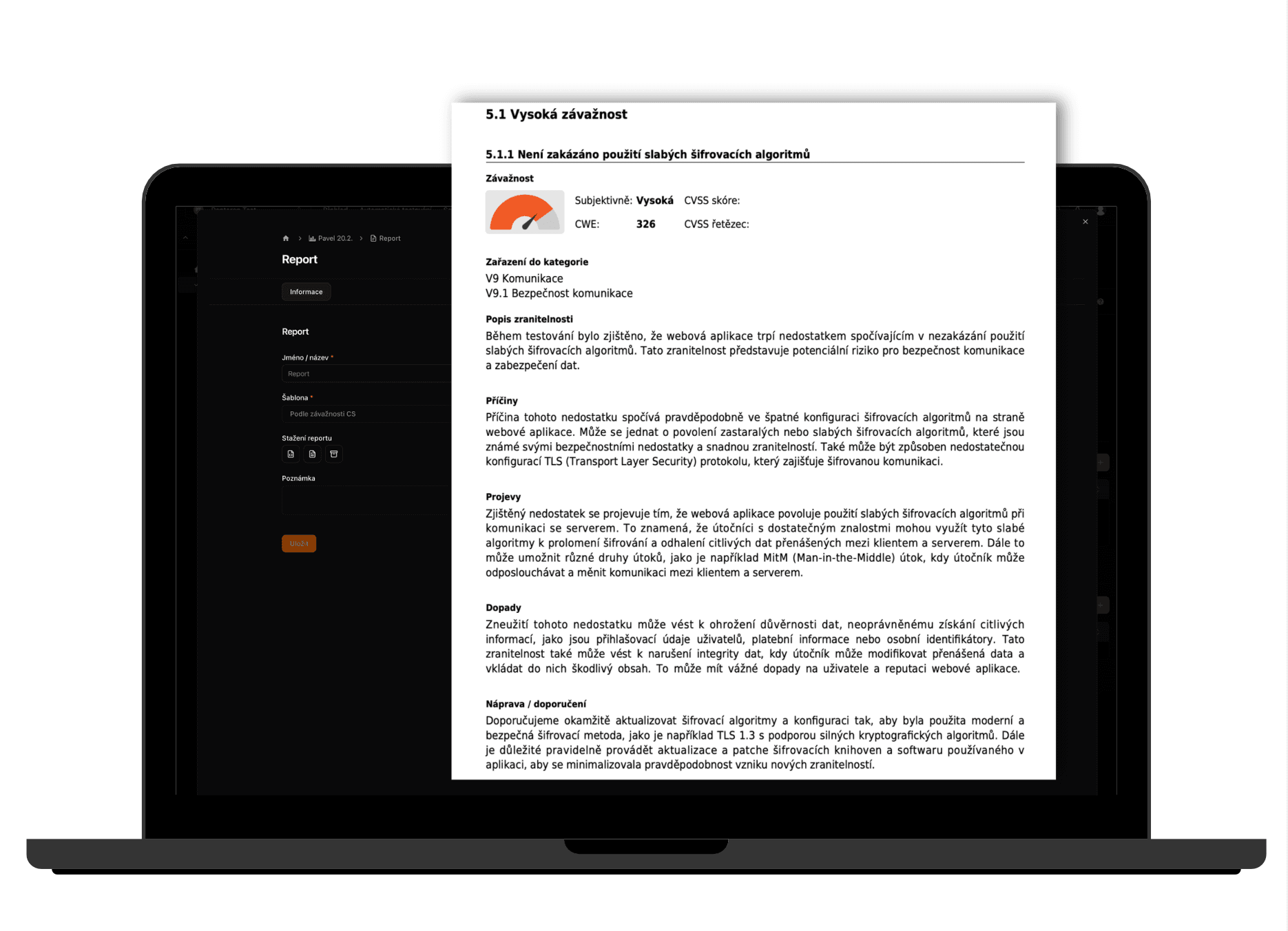
We expanded reporting datasets, improved template handling, and removed distracting UX elements.
Report creation is now faster, cleaner, and more efficient.
🏗 Permission Model Rework
We redesigned the permission model, moved access control to the component level, and improved default permission settings.
The result is stronger security and greater flexibility.
🌍 Improved Localization & UX
We refined translation consistency, notifications, table behavior, and automation workflows.
Changes that may not be immediately visible, but significantly improve everyday usability.
🔧 Dozens of Additional Optimizations
We also focused on stability, bug fixes, and the long-term quality of the platform.